How to change your organization name
Last updated: July 11, 2026
Who can change the organization name?
Organization names can be changed by users who have permission to view and edit organization settings. In most workspaces, this means Owners and Admins.
If you cannot see the rename option, ask an Owner or Admin in your workspace to make the change for you, or contact Airspeed support.
Where is the organization name used?
Your organization name is the workspace display name shown inside Airspeed. It is also used as organization-level context for AI features such as Agents and Ask Airspeed, so that responses and generated work can refer to the right workspace or company context.
Changing the organization name does not rename CRM companies/accounts, user names, or external records in connected systems.
Before you rename an organization
Organization names can be up to 80 characters long.
How to change the organization name
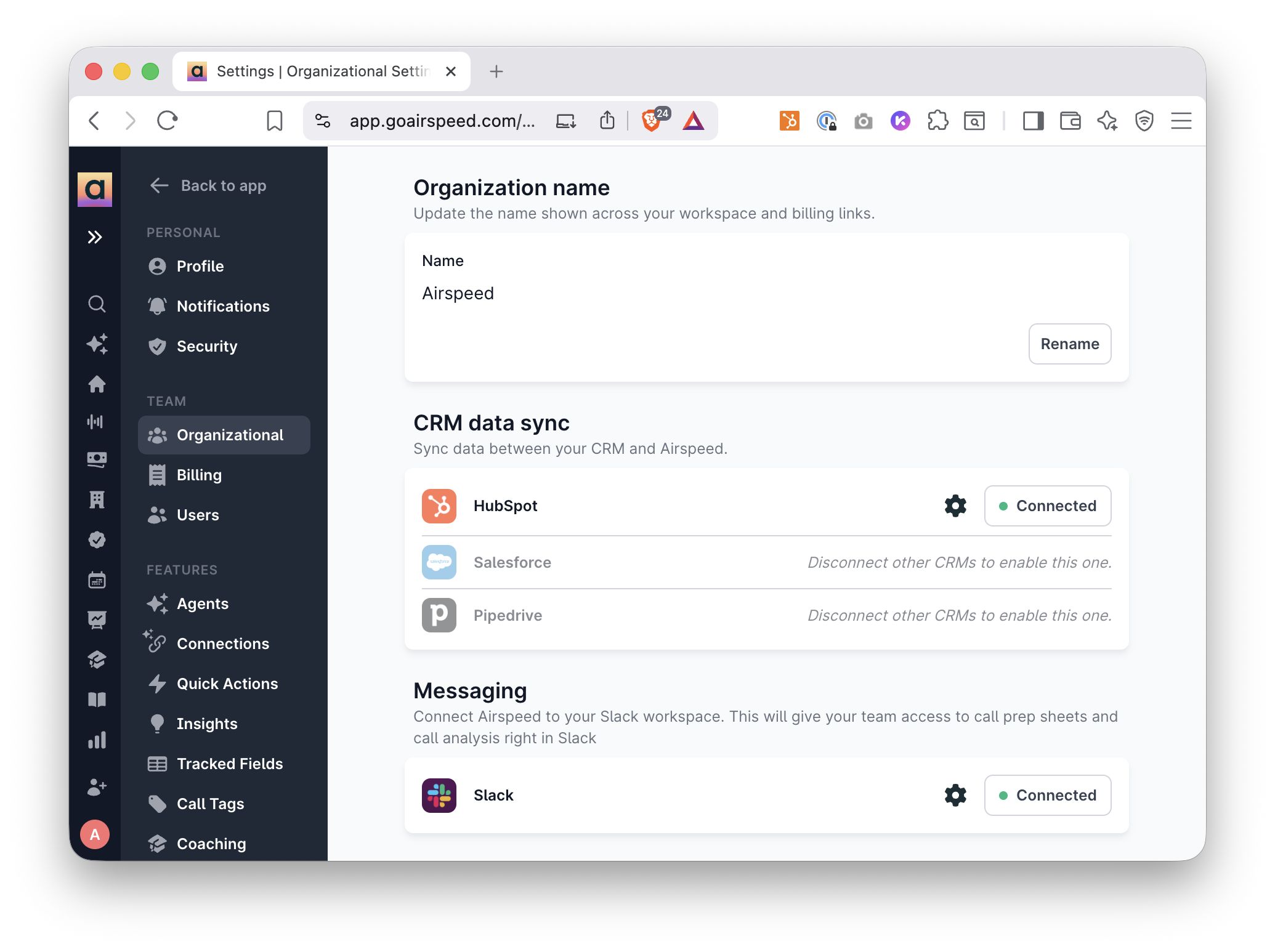
Go to Settings → Organizational.
Find the Organization name section.
Review the current organization name shown on the page.
Click Rename.
Enter the new organization name.
Click Save.
Review the confirmation message. It will show the current name and the new name, for example: Rename from X to Y.
If everything looks right, click Rename organization.
What happens after you confirm?
After you confirm the rename, Airspeed saves the new organization name and the section returns to its read-only state. You should see the updated name in the Organization name section.
Can I cancel before saving?
Yes. If you click Cancel while editing, no change is made. If you click Cancel in the confirmation dialog, the rename is not saved and you can continue editing the proposed name.
Still need help?
If you need to rename an organization but do not have access to the setting, contact an Owner or Admin in your workspace. If they cannot complete the change, reach out to Airspeed support with the current organization name and the new name you want to use.