People
Last updated: May 20, 2026
The People tab on a company page shows all contacts Airspeed has on file for that account — pulled from your CRM, enriched from call participants, and updated over time as new calls are recorded.
Where to find it
Open any company page and click the People tab in the navigation row. The tab only appears if Airspeed has contacts associated with the company.
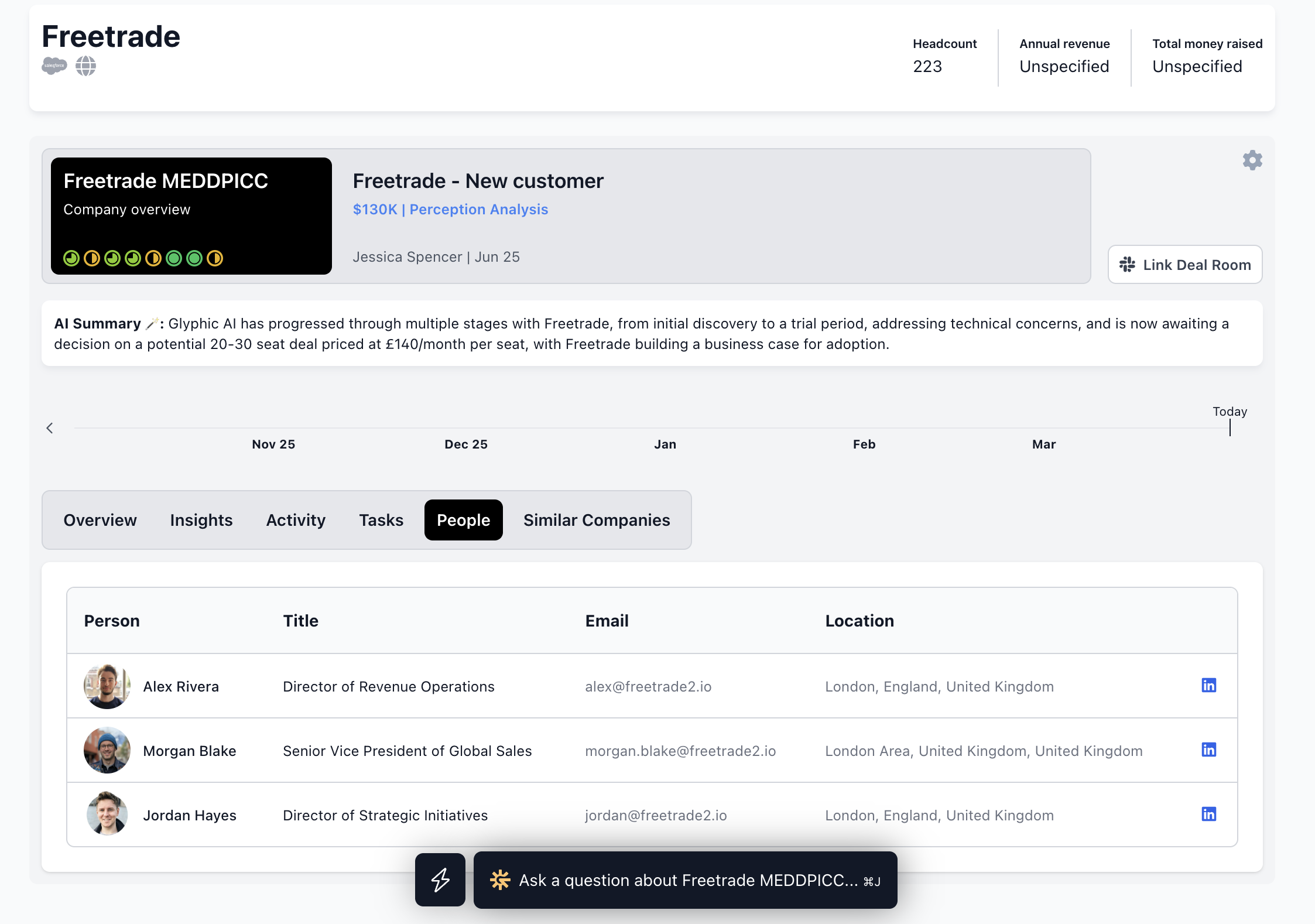
The People tab lists all contacts Airspeed has on file for this account.
What is shown
Each row in the People table includes:
Name and avatar
Title — job title if available
Email
Location
CRM link — opens the contact record in your CRM directly
LinkedIn link — opens their LinkedIn profile if available
Where the data comes from
People are sourced from:
Your CRM — contacts associated with the company in HubSpot or Salesforce.
Call participants — anyone who joined a call associated with this company and was identified as external.
People data is not editable directly in Airspeed — changes should be made in your CRM and will sync across.